
Built for subscribed calendars
Use the same private iCal format Apple Calendar already supports on iPhone, iPad, and Mac.
GroupMe → iPhone
To get GroupMe calendars onto your iPhone, connect GroupMe in gmCalSync, pick the groups you want, and add each private iCal link on iPhone under Settings → Calendar → Accounts → Add Account → Other → Add Subscribed Calendar. iPhone Calendar then refreshes those feeds in the background, so GroupMe plans stay current without retyping.
Private links • Read-only • Free trial • Cancel anytime • Last updated July 22, 2026
Stop copying GroupMe events into Apple Calendar by hand. Connect GroupMe once, choose the groups you care about, and add the private calendar URL to your iPhone as a subscribed calendar.
Each group can have its own feed, so team schedules, school groups, family plans, and activity calendars stay separated and easy to manage.
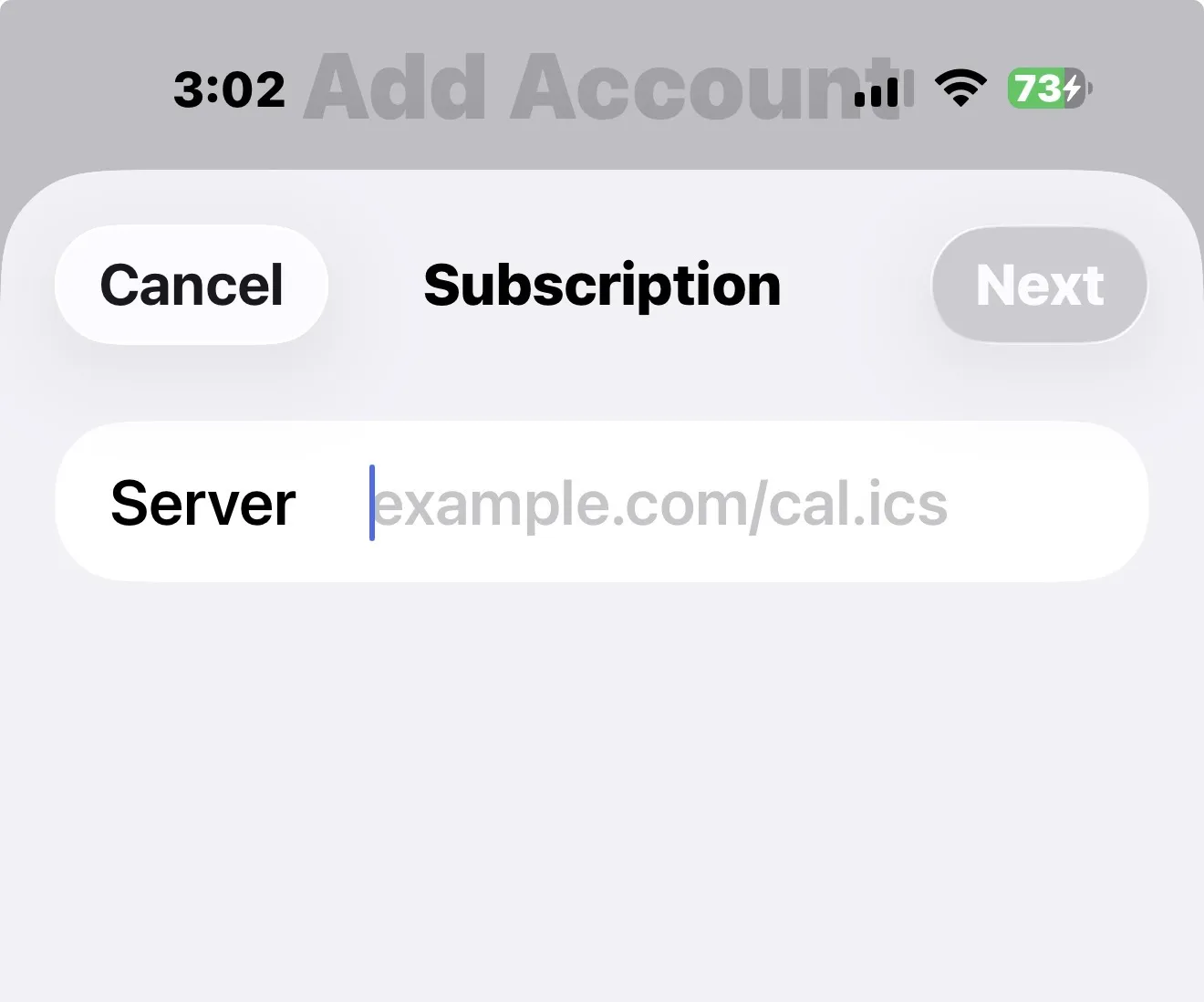
GroupMe is where many plans get created, but iPhone Calendar is where people check the day. gmCalSync connects the two without making you rebuild every event manually.
Prefer a different calendar? The same link works in Google Calendar, Outlook, and on a Skylight Calendar.
Use the same private iCal format Apple Calendar already supports on iPhone, iPad, and Mac.
Generate separate feeds for different GroupMe groups instead of blending every event into one calendar.
Once subscribed, Apple Calendar refreshes the feed in the background on Apple's schedule.
Yes. gmCalSync creates a private iCal subscription link for a GroupMe group, and iPhone Calendar can subscribe to that link.
Subscribed calendar updates are automatic, but iPhone Calendar refreshes them on Apple's background schedule, usually within a few hours.
Yes. You can create a separate private calendar link for each GroupMe group and add each one to Apple Calendar.
No. A subscribed calendar is read-only. Events are still created and edited in GroupMe, and the feed follows those changes.
Connect GroupMe, choose the groups you want to sync, and generate private calendar links for the calendar apps your household or team already uses.
Private links • Read-only • Free trial • Cancel anytime